
If you have put a Robotiq 2F-85 into an NVIDIA Isaac Sim scene and closed it on an object, you have probably seen the fingers do something the real gripper never does: bend backwards, pivot outward at the tip, or snap out of alignment mid-grasp. It is the most reported problem with our grippers in simulation, it shows up on the NVIDIA developer forums for the 2F-85 and feedback from the community. It is what happens when a mechanism built around a closed kinematic loop meets a solver that only handles trees.
Today we are publishing an updated and Robotiq-maintained Isaac Sim assets for the 2F-85, on both physics backends, PhysX and Newton, with the documentation that explains the mechanism: github.com/robotiq/isaacsim_assets. Newton enables precise closed-loop kinematics, which was essential for the high-fidelity simulation of our gripper.
Addressing the 2F-85 Adaptive Gripper sim-to-real gap
The 2F-85 is underactuated, and that is the whole point of it. Each finger is a five-bar linkage in which two links form a virtual extendable link. A pin limits how far those two links can close on each other, which sets the minimum length of that virtual link. At minimum length the linkage is a clean four-bar and the fingertip stays parallel. When the virtual link extends, the fingertip rotates inward and you get the encompassing grip. One degree of freedom is not motorized at all: it is held by a torsion spring at the inner finger joint, which is what pulls the finger back toward parallel whenever the object lets it.
That single spring-loaded degree of freedom is why the gripper conforms to a round object instead of pinching it, and it is exactly what gets lost in simulation. Isaac Sim solves an articulation as a tree of rigid bodies. Trees cannot contain loops. The 2F-85 finger is a loop. There are only two ways out, and both are in the public asset as USD variants:
Cut the loop and re-impose it algebraically. Drive one joint, and let the passive joints follow through mimic constraints (q_mimic = gearing * q_reference + offset). Everything stays inside the articulation solver, so it is cheap and stable. But a mimic constraint is rigid by construction, so this variant can only ever reproduce the parallel grip. The compliance and the encompassing grip are gone. This is the variant most people are running, and for a fast parallel pinch it is the right call.
Keep every joint and close the loop as a constraint. Mark one joint excludeFromArticulation and let the solver enforce it in maximal coordinates. The underactuated degree of freedom survives, so the fingertip can rotate under load like the real hardware. This is the variant that produces the behavior people actually want.
Under PhysX, this closing constraint is applied as a best-effort constraint, not a perfectly rigid, analytical constraint. And this is why under certain loads, it tolerates a little misalignment, accumulates error, and then the linkage snaps out of alignment. This is where Newton comes in.
What Newton unlocks
Isaac Sim 6 ships a second physics backend, Newton, built on MuJoCo-Warp. Newton models a closed loop natively, as an equality constraint rather than as a tree plus a patch.
In the Newton asset:
- The five-bar closure is a set of MuJoCo equalities, which stay stable at the joint limits. All 10 joints of the grippers are solved analytically.
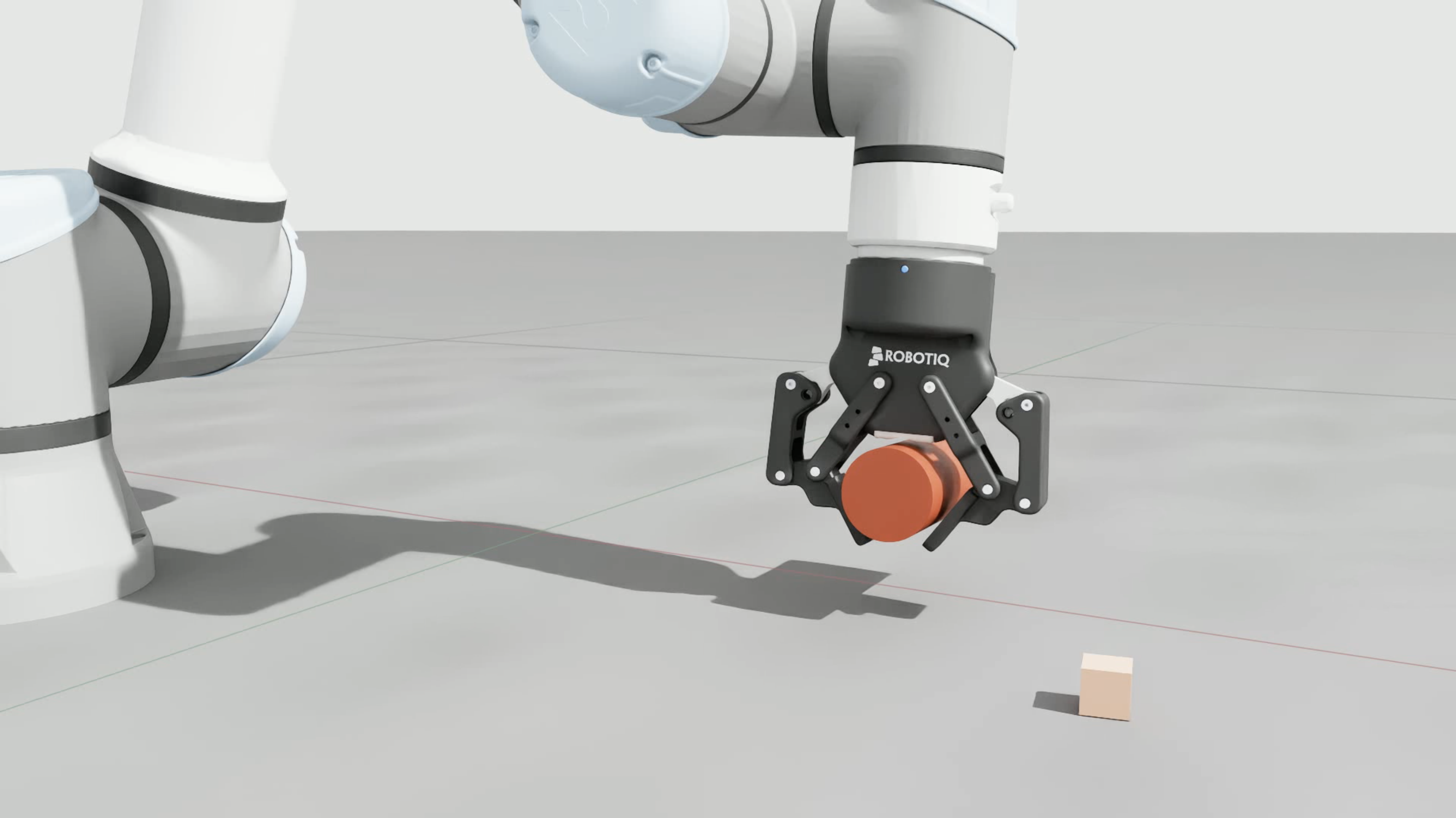
- The parallel-grip spring actually holds, so the finger returns to parallel when the object releases it and rotates inward when the object demands it. That is the encompassing grip, in simulation, for the first time in our assets.
Reach for the PhysX parallel-grip variant when you want a fast, robust parallel pinch, and Newton when the realism of the grip is the thing you are simulating. The guide walks through the choice, and the tuning for each is already baked into the assets.
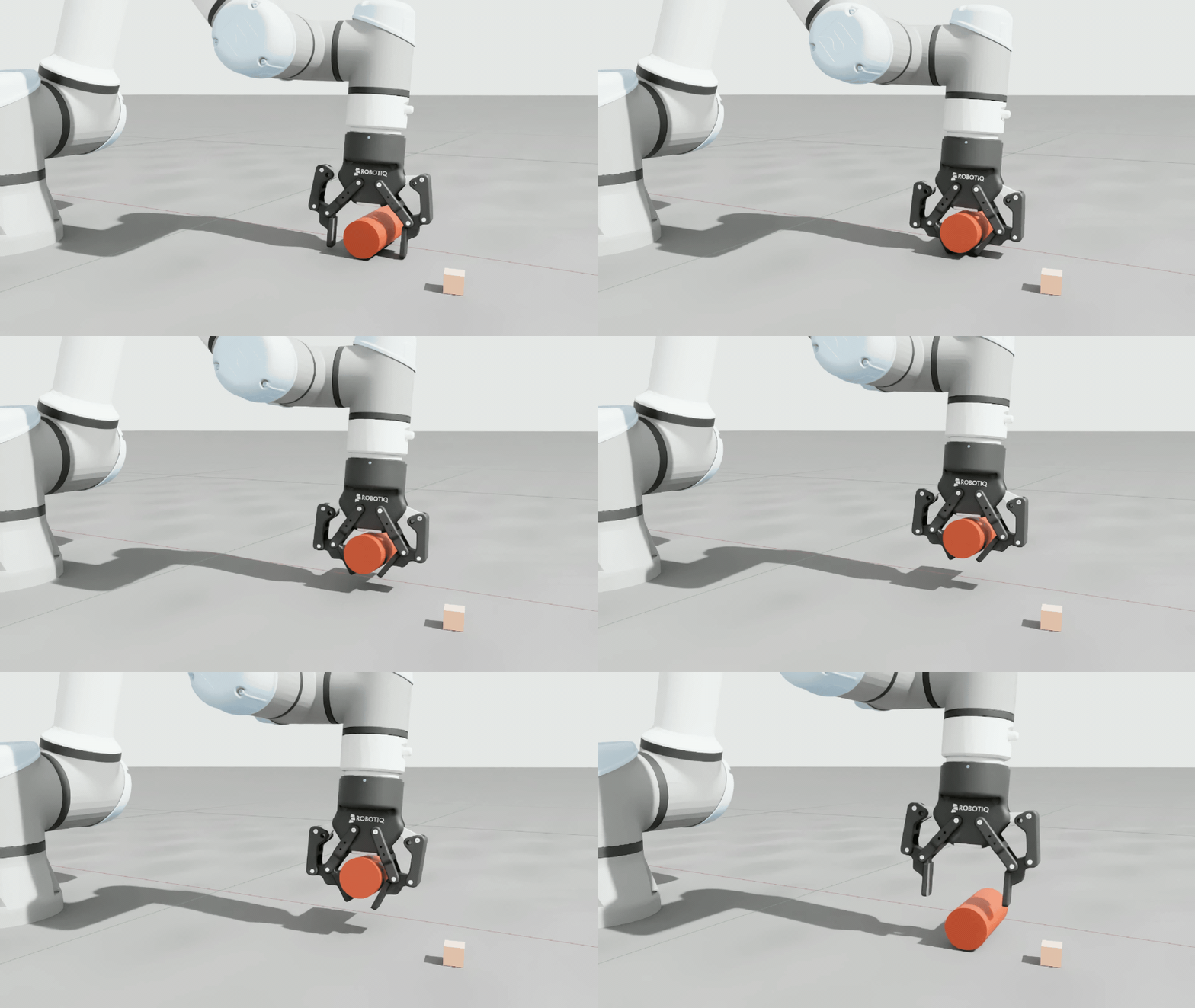
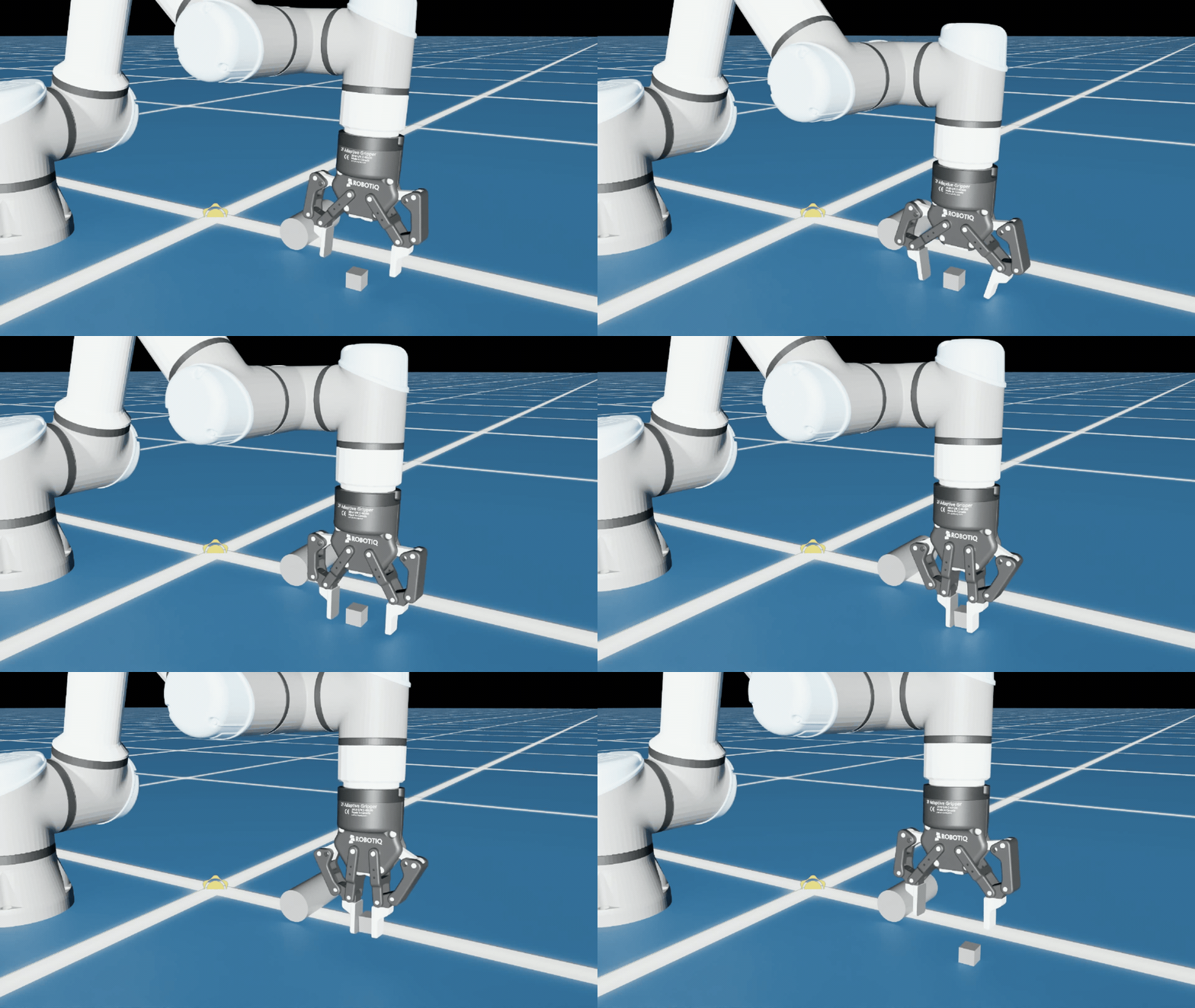
What’s next
The 2F-140 is next, then Hand-E in all its variants, and we are working toward validation against the SimReady Foundation specification. These assets are one of three open-source developer pieces we maintain, with the C++ SDK and the ROS 2 packages, so the gripper behaves the same way whether you are training in simulation or running on hardware.
Getting started
Geometry and images are in Git LFS, the .usda layers are plain text:
Then start with the gripper simulation guide, and with the Newton asset’s own README for its setup notes. The short version for mounting on a robot: reference the config file for the physics variant you chose, attach it to the wrist link with a fixed joint, and remove the gripper’s own articulation root so the arm and gripper solve as one articulation. If you want to switch fingertips at integration time, reference Robotiq_2F_85_edit.usd instead, since it carries both variant sets. Under the compliant and Newton variants, command only finger_joint and let the loop closure solve the rest.
Issues, pull requests, and feedback are welcome on GitHub.
Learn more about Robotiq’s physical AI at robotiq.com/physical-ai.

The post “Robotiq Releases New 2F-85 Isaac Sim Asset on Newton” by Robotiq Team was published on 09/22/2026 by blog.robotiq.com